Google My Business for Beginners: How to Get Found Locally
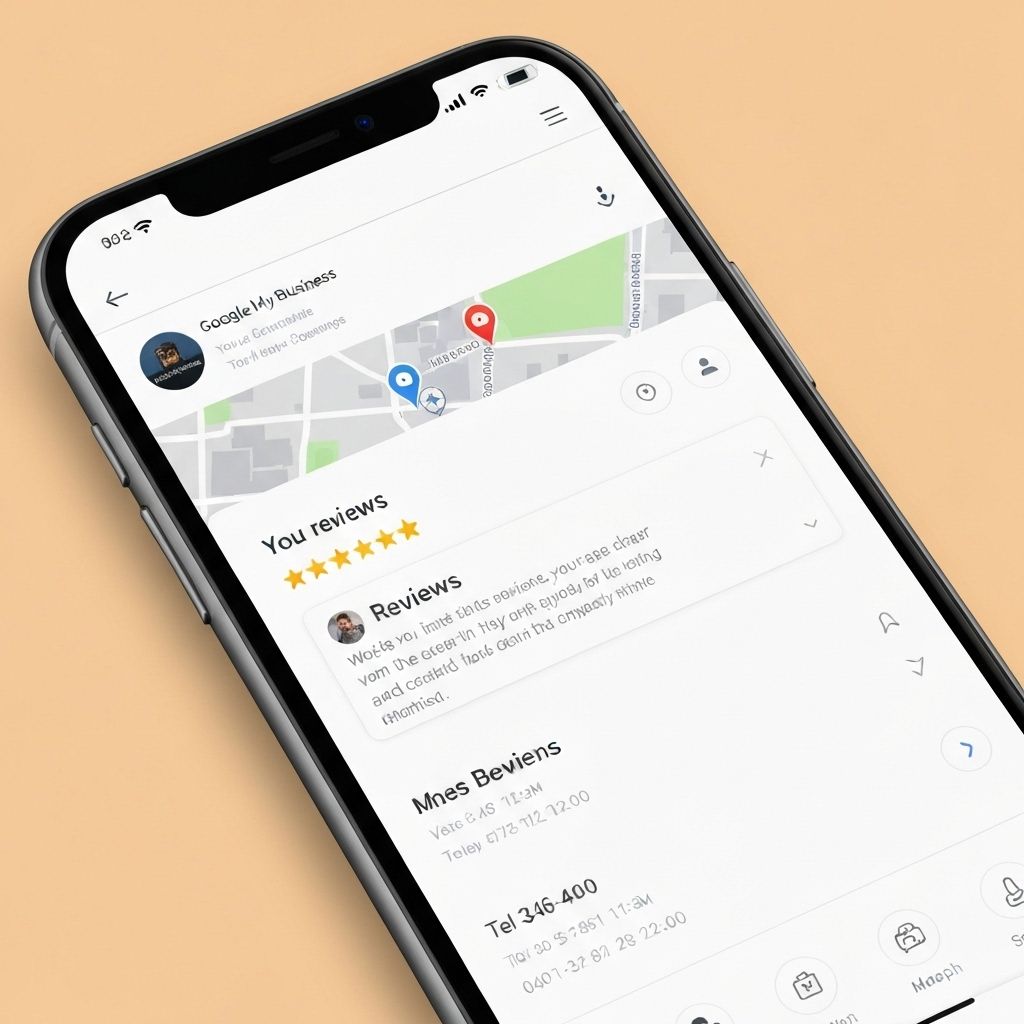
If you're a local business owner in the UK, your Google Business Profile (formerly Google My Business) is one of the most powerful free marketing tools at your disposal. When potential customers search for businesses like yours, your Google Business Profile can be the difference between winning their business or losing them to a competitor. This comprehensive guide will walk you through everything you need to know about Google Business Profile setup in the UK and how to optimize it for maximum local visibility.
What is Google Business Profile?
Google Business Profile (GBP) is a free tool that allows businesses to manage their online presence across Google, including Google Search and Google Maps. When someone searches for your business or businesses like yours, your Google Business Profile appears in search results, showing key information such as:
- Business name, address, and phone number
- Opening hours and special hours
- Photos of your business, products, and services
- Customer reviews and ratings
- Website link and booking options
- Posts and updates
- Questions and answers
Why Google Business Profile Matters for UK Businesses
For local businesses in the UK, Google Business Profile is essential because:
- Local Search Dominance: 46% of all Google searches have local intent, and Google Business Profiles appear prominently in these results
- Mobile Visibility: 76% of people who search for something nearby on their smartphone visit a business within 24 hours
- Trust and Credibility: Businesses with complete profiles are twice as likely to be considered reputable by consumers
- Free Marketing: Unlike paid advertising, your Google Business Profile is completely free to set up and maintain
- Customer Engagement: Customers can contact you, get directions, read reviews, and book appointments directly from your profile
- Competitive Advantage: Many UK businesses still haven't optimized their profiles, giving you an opportunity to stand out
Step-by-Step: Google Business Profile Setup UK
Step 1: Create or Claim Your Business Profile
To begin your Google Business Profile setup in the UK:
- Go to google.com/business
- Click "Manage now" and sign in with your Google account
- Enter your business name in the search box
- If your business appears, click on it and select "Claim this business"
- If it doesn't appear, click "Add your business to Google"
Important: Use a Google account that you'll have long-term access to, preferably a business email address rather than a personal one.
Step 2: Choose Your Business Category
Selecting the right category is crucial for appearing in relevant searches:
- Choose the most specific category that describes your business
- You can add additional categories later (up to 10 total)
- Examples: "Plumber," "Hair Salon," "Italian Restaurant," "Electrician"
- Avoid generic categories like "Business" or "Service"
Step 3: Add Your Business Location
For UK businesses with a physical location:
- Enter your complete business address including postcode
- Ensure the address matches exactly what appears on your website and other directories
- If you serve customers at their location (like plumbers or mobile hairdressers), you can hide your address and show a service area instead
- For service area businesses, specify the towns, cities, or postcodes you serve
Step 4: Provide Contact Information
Add accurate contact details:
- Phone Number: Use a local UK phone number that customers can call during business hours
- Website: Link to your business website (if you have one)
- Appointment URL: If you take bookings online, add your booking page link
Step 5: Verify Your Business
Google requires verification to ensure you're the legitimate business owner. Verification methods in the UK include:
- Postcard Verification: Google sends a postcard with a verification code to your business address (most common method, takes 5-7 days)
- Phone Verification: Some businesses can verify via phone call or text message
- Email Verification: Available for some businesses with verified email addresses
- Instant Verification: If you've already verified your website with Google Search Console
Tip: Don't skip verification! Unverified profiles have limited functionality and won't appear in search results.
Optimizing Your Google Business Profile for UK Local Search
Complete Every Section
Google favors complete profiles. Fill out every available section:
- Business Description: Write a compelling 750-character description that includes relevant keywords naturally
- Opening Hours: Add accurate hours including special hours for holidays
- Attributes: Select all applicable attributes (e.g., "wheelchair accessible," "free Wi-Fi," "outdoor seating")
- Services: List all services you offer with descriptions
- Products: Add products with photos, descriptions, and prices
Add High-Quality Photos
Businesses with photos receive 42% more requests for directions and 35% more clicks to their websites:
- Add at least 10 high-quality photos
- Include exterior and interior shots of your business
- Show your products or services in action
- Add photos of your team to build trust
- Update photos regularly to show your business is active
- Use photos that are at least 720px wide and 720px tall
Optimize for Local Keywords
Include location-specific keywords naturally throughout your profile:
- Mention your city, town, or neighborhood in your business description
- Include local landmarks or areas you serve
- Use UK spelling and terminology (e.g., "centre" not "center")
- Example: "Family-run Italian restaurant in Manchester city centre, serving authentic pizza and pasta to locals and visitors since 2010"
Encourage and Respond to Reviews
Reviews are crucial for local search rankings and customer trust:
- Ask satisfied customers to leave reviews (but never offer incentives)
- Respond to all reviews, both positive and negative, within 24-48 hours
- Thank customers for positive reviews
- Address negative reviews professionally and offer to resolve issues
- Include relevant keywords naturally in your responses
Use Google Posts
Google Posts allow you to share updates, offers, and events directly on your profile:
- Post at least once per week to show your business is active
- Share special offers, new products, or upcoming events
- Include high-quality images with each post
- Add a call-to-action button (e.g., "Book Now," "Learn More," "Call Now")
- Posts expire after 7 days, so keep them fresh
Answer Questions
The Q&A section allows customers to ask questions about your business:
- Monitor questions regularly and respond promptly
- Proactively add common questions and answers
- Include relevant keywords in your answers
- Keep answers helpful and concise
Common Mistakes to Avoid
Avoid these common errors that can hurt your local search visibility:
- Inconsistent NAP: Ensure your Name, Address, and Phone number are identical across your website, Google Business Profile, and other directories
- Wrong Category: Choosing an incorrect primary category can prevent you from appearing in relevant searches
- Keyword Stuffing: Don't stuff your business name or description with keywords (e.g., "Best Plumber London Cheap Plumber Emergency Plumber")
- Fake Reviews: Never post fake reviews or pay for reviews—Google will penalize your profile
- Ignoring Reviews: Failing to respond to reviews signals that you don't care about customer feedback
- Outdated Information: Keep your hours, phone number, and other details current
- Low-Quality Photos: Blurry, dark, or irrelevant photos hurt your credibility
Advanced Tips for UK Businesses
Use Google Business Profile Insights
Monitor your profile's performance using the built-in insights:
- Track how customers find your profile (direct searches vs. discovery searches)
- See which photos get the most views
- Monitor phone calls, website clicks, and direction requests
- Identify peak times when customers view your profile
- Use this data to optimize your profile and posting schedule
Leverage Google Business Profile Messaging
Enable messaging to allow customers to contact you directly:
- Turn on messaging in your Google Business Profile settings
- Respond to messages within 24 hours
- Use the Google Business Profile app to receive notifications
- Set up automated welcome messages
Add Booking Links
If you take appointments or reservations:
- Add a booking URL to your profile
- Integrate with booking platforms like Booksy, Fresha, or OpenTable
- Make it easy for customers to book directly from your profile
Create Multiple Locations
If you have multiple business locations in the UK:
- Create a separate profile for each location
- Ensure each location has unique content and photos
- Maintain consistent branding across all locations
- Consider using Google Business Profile bulk management tools
Maintaining Your Google Business Profile
Setting up your profile is just the beginning. Ongoing maintenance is essential:
- Weekly Tasks: Post updates, respond to new reviews, answer questions
- Monthly Tasks: Add new photos, update services or products, review insights
- Quarterly Tasks: Audit your profile for accuracy, update business description, refresh photos
- As Needed: Update hours for holidays, add special offers, respond to customer messages
Measuring Success
Track these metrics to measure your Google Business Profile's effectiveness:
- Search Impressions: How often your profile appears in search results
- Profile Views: How many people view your full profile
- Website Clicks: How many people click through to your website
- Direction Requests: How many people request directions to your business
- Phone Calls: How many people call your business from your profile
- Review Growth: Number and quality of new reviews
- Photo Views: Engagement with your photos
Google Business Profile vs. Paid Advertising
While Google Ads can be effective, your Google Business Profile offers unique advantages:
- Cost: Completely free vs. pay-per-click advertising
- Trust: Organic listings are often more trusted than ads
- Visibility: Appears in both search and maps results
- Reviews: Social proof builds credibility
- Long-term Value: Continues working without ongoing ad spend
For best results, use your optimized Google Business Profile alongside other marketing efforts, including a professional website and targeted advertising when appropriate.
Conclusion: Your Path to Local Search Success
Completing your Google Business Profile setup in the UK is one of the most impactful things you can do for your local business's online visibility. By following this guide, you'll create a comprehensive, optimized profile that helps potential customers find you when they're searching for businesses like yours.
Remember that Google Business Profile optimization is an ongoing process, not a one-time task. Regularly update your profile, engage with customers through reviews and posts, and monitor your performance using insights. The businesses that consistently maintain and optimize their profiles are the ones that dominate local search results and attract the most customers.
Start your Google Business Profile setup today, and watch as more local customers discover your business through Google Search and Maps. With a complete, optimized profile, you'll be well-positioned to compete in your local market and grow your customer base—all without spending a penny on advertising.
Ready to start your project?
View Our Pricing